GB WhatsApp is commonly used by those who want more control over their messaging experience. Additional privacy options, customization, and media sharing options make it popular. However, because GB WhatsApp is not an official WhatsApp service, many users have found themselves banned from their accounts.
Being banned from your account can be frustrating, especially if you use WhatsApp for your daily communications or business. This blog will tell you why GB WhatsApp bans occur, how to resolve them, and how to avoid them in the future by using safe and effective methods.
Why WhatsApp Bans GB WhatsApp Users
WhatsApp has strict policies in place to ensure the privacy, security, and stability of the platform. Any app that violates these policies is deemed to be unsafe.
Official WhatsApp does not allow:
- Unofficial or modified versions of WhatsApp
- Automation tools or bulk messaging software
- Apps that scan WhatsApp QR codes to access accounts
- Activities related to spam, malware, or harassment
- Use of WhatsApp by users below 16 years of age
GB WhatsApp is categorized under a third-party app. Even if it has some useful functions, it still goes against the terms of service of WhatsApp. This is the reason why bans happen.
Common Reasons for GB WhatsApp Bans
It is important to understand the reasons behind bans so that you can avoid making mistakes in the future.
- One of the main reasons is the use of unofficial WhatsApp mods such as GB WhatsApp. These applications divert the security measures of WhatsApp.
- Another reason is user reporting. If you have been reported for spam, using abusive language, or inappropriate behavior, WhatsApp will take immediate action.
- Another serious offense is bulk messaging. Sending messages to unknown numbers or groups of people appears to be spamming.
- In addition, scraping data, sharing harmful links, and spreading malware may lead to a permanent ban.
Kinds of WhatsApp Account Bans
The bans imposed on WhatsApp can be categorized into two types.
Temporary WhatsApp Ban
The duration of a temporary ban is normally 24 to 48 hours. This is a warning. You will not be able to access your account during this period. This kind of ban occurs when WhatsApp identifies suspicious activity for the first time.
Permanently Banning WhatsApp
A Permanent Ban means that your number is banned for life, and retrieval is not possible. It typically happens when a person breaks multiple rules or misuses WhatsApp services.
Removing a Temporary Ban in GB WhatsApp
Be Patient and Let It End
If the ban is temporary, the best thing for you to do is wait it out. Do not try repeatedly to log in, as it may extend the time of the ban. WhatsApp automatically lifts bans once the warning time has lapsed.
Automatically Back Up Chats Immediately
Once you are unblocked, enable chat backup as soon as you can. Back up your chat data either locally or to your Google Drive account. In this way, your chat sessions will be safe from deletion if you were to get banned once again in the future.
Stop Risky Activities
Avoid situations of spamming, mass messaging, or posting inappropriate content. Using the actual WhatsApp app again will significantly minimize the chances of a second ban.
How to Deactivate WhatsApp
Contact WhatsApp Support
If you believe the ban is an error, you can submit an issue to WhatsApp support. In doing so, make sure to include an email with:
- Your phone number
- What happened
- Why do you think the ban is incorrect?
In some cases, bans may be lifted if there is no serious violation on the part of the user.
Start Fresh with a New Number
If this support fails to lift the ban on your account, your only option would remain to make a new account on WhatsApp by entering a new mobile number. Just remember to follow the guidelines so that your new account is not banned once again.
Always Keep GB WhatsApp Updated
Install the updated version. Updates contain fixes, optimize speed, and enhance security. Old versions are prone to Ban accounts.
Enable Regular Chat Backups
Set automatically daily or weekly backups so that important conversations are safe in case data is lost or when the account is blocked again.
Enable Two Step Verification
Two-step verification provides an additional security feature. It demands a PIN while logging in, thus preventing unauthorized access. This makes it difficult for account hijacking to occur.
Manage Privacy Settings Carefully
Modify privacy settings to manage who can view:
- Last seen
- Profile picture
- Status
Try not to share personal information like bank details, passwords, or documents through GB WhatsApp.
Avoid Third Party Plugins and Scripts
Many users install plugins that promise anti-ban protection. These plugins tend to cause more harm than good.
Do not download scripts or add-ons from unknown sources. They will increase the chances of a permanent ban.
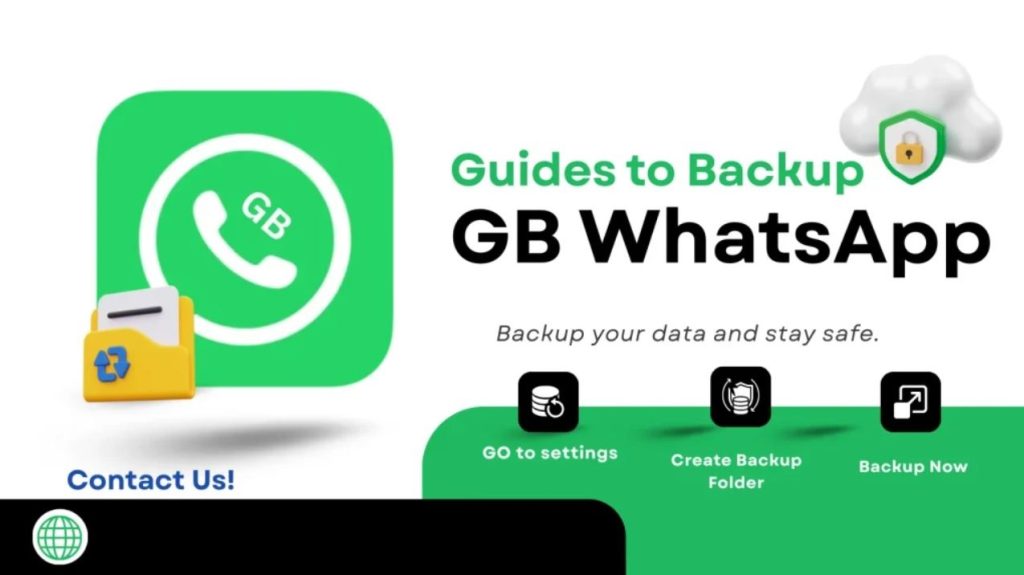
Use Strong Backup Protection
When making backups, protect your phone with:
- Device lock
- Unique passwords
- Restricted app permissions
- Check permissions granted to GB WhatsApp periodically.
FAQs
What does the error message “This account is not allowed to use WhatsApp” mean?
This is a message that appears when WhatsApp identifies any policy violations, such as the use of modified apps, spamming, or receiving multiple reports from users.
What is the best way to contact WhatsApp support?
Use the official WhatsApp support email address or in-app contact form. Keep your message clear, polite, and brief.
How do anti ban scripts in GB WhatsApp function?
Anti-ban scripts try to conceal mod activities, but they are not very reliable. WhatsApp servers are still capable of detecting unofficial usage.
Conclusion
GB WhatsApp provides advanced functionality, but it also has some risks. WhatsApp policies will help you avoid account bans. Temporary bans can be resolved by waiting and changing behavior, while permanent bans can be resolved by contacting support or using a new number. GB WhatsApp can be used properly to avoid risks in the future. If privacy and stability are the most important factors, then the WhatsApp app is the safest option.